CuePoint
Stand-Alone Audio Playback for Live Production
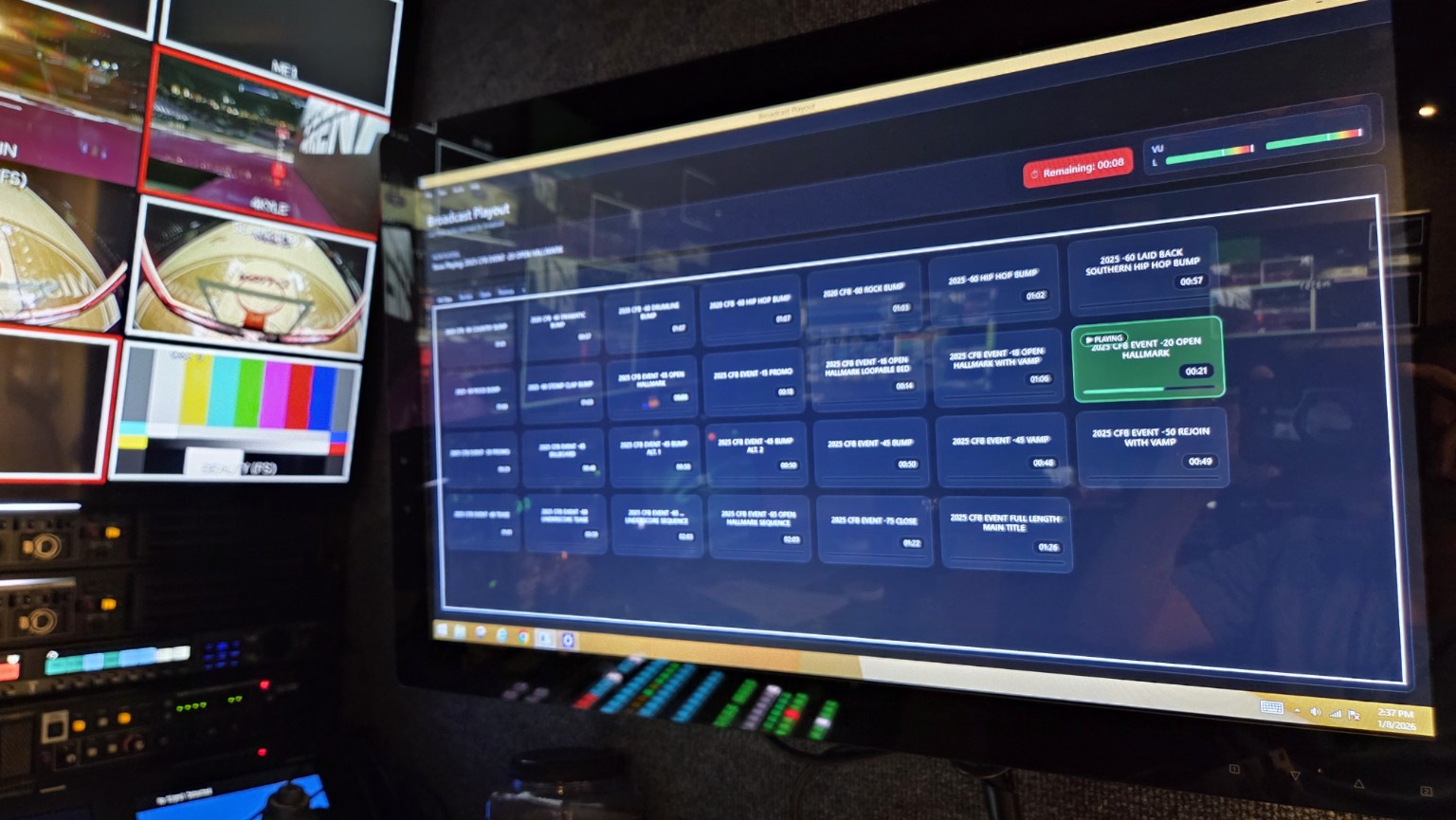
CuePoint is a lightweight, Windows-based audio playout system designed for control rooms, mobile units, and front-of-house positions where speed, clarity, and reliability are critical. It runs locally on the show machine with no cloud services and no internet dependency during operation.
CuePoint is available with a 30-day evaluation license, providing full functionality for real-world use in live production environments.

Typical CuePoint setups
CuePoint is designed to fit naturally into a wide range of production environments — from simple laptop-based playback to dedicated touchscreen playout systems.
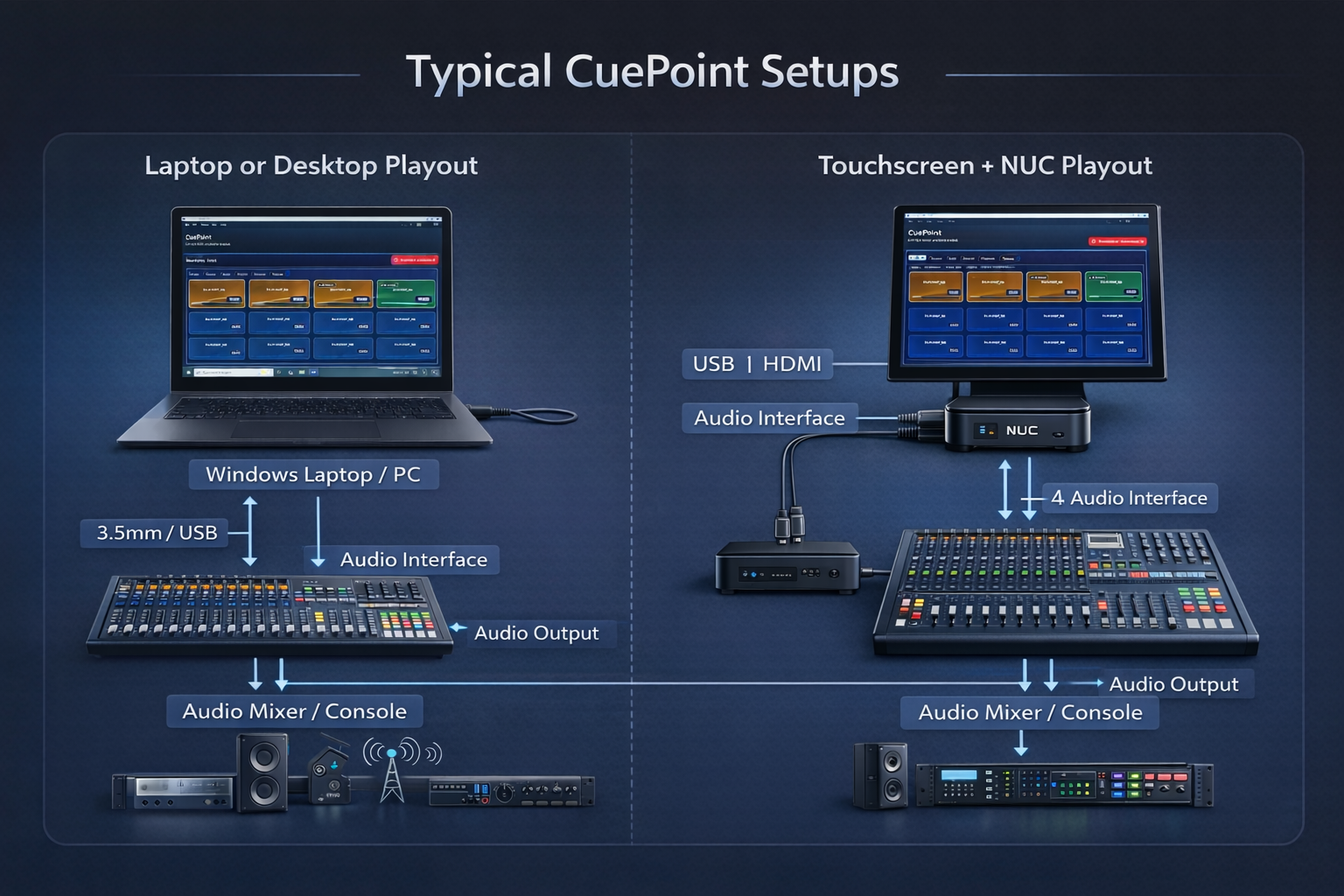
Left: Laptop or desktop playout — ideal for mobile productions, smaller venues,
or operators already seated at a console.
Right: Dedicated touchscreen + NUC playout — common in broadcast control rooms
and fixed installs where fast, tactile operation is required.
System requirements
CuePoint is designed to run reliably on modern Windows systems without requiring specialized or high-end hardware.
Minimum Works great on laptops
- Windows 10 or Windows 11 (64-bit)
- Intel Core i5 (6th gen or newer) or equivalent
- 8 GB RAM
- 256 GB SSD storage
- Integrated graphics
- Built-in audio output or USB audio interface
Recommended Dedicated playout
- Intel Core i5 / i7 or Intel NUC-class system
- 16 GB RAM
- SSD or NVMe storage
- External USB audio interface
Touchscreen Operator-first
- Windows 10 or Windows 11 (64-bit)
- Windows tablet, 2-in-1 laptop, or touchscreen display
- 13″ minimum screen size (larger recommended)
- Multi-touch capacitive touchscreen
- Intel Core i5 or better
- 8 GB RAM minimum (16 GB recommended)
Note: CuePoint requires Windows and does not run on iPadOS or Android tablets.
What CuePoint does well
CuePoint focuses on operator confidence: fast access, consistent audio levels, clear feedback, and reliability under pressure.
Instant tile playback
Clear visual feedback
Stand-alone reliability
Loudness normalization
Waveform-based Mark In / Out
Hotkey triggering
Who it’s for
- Broadcast control rooms and mobile units
- Sports venues and arenas
- College and high school athletics
- Church production teams
- Theaters and live performance venues
Why CuePoint exists
CuePoint was built to solve real show-day problems: inconsistent levels, slow access to audio, and overly complex systems. It prioritizes speed, predictability, and confidence when it matters most.